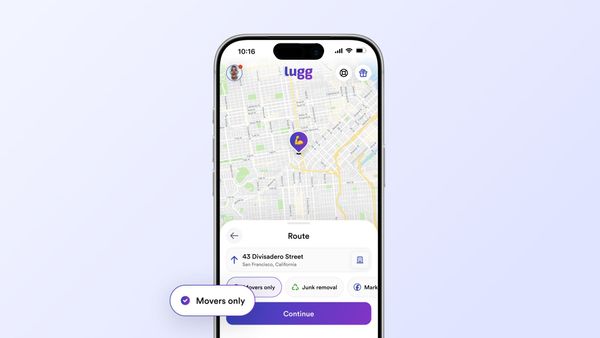

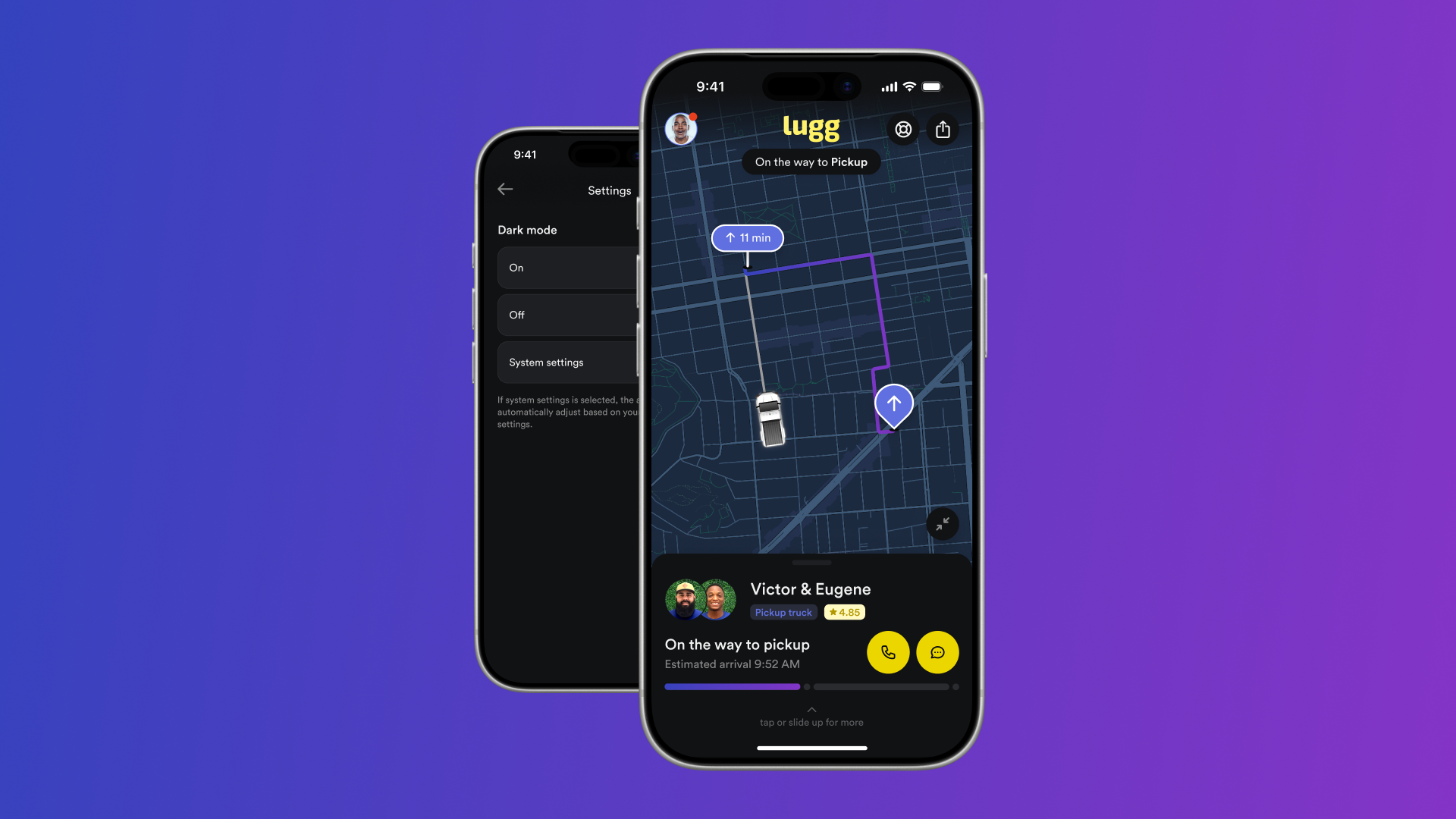
Dark mode is here. As of this week, you can switch Lugg to a darker, low-light look across the board — the iOS app, the Android app, and the web at app.lugg.com. Open Lugg, go to Settings, and pick On, Off, or System settings. That's the whole thing.
If you've ever opened Lugg in a dark room and immediately regretted it, this one's for you. It's been one of the most-requested changes — and booking movers at 11 p.m. shouldn't feel like getting flashbanged by your own phone. Now it doesn't.
| What's new | The details |
|---|---|
| Feature | Dark mode for the Lugg app |
| Where | iOS app, Android app, and web at app.lugg.com |
| How to find it | Settings → Dark mode |
| Your options | On, Off, or System settings (matches your device) |
| Cost | Free — it's just there |
How to turn on dark mode in the Lugg app
It takes about ten seconds, and it works the same on iOS, Android, and the web.
1: Open Settings
Tap your profile, then open Settings (the gear). On the web, you'll find it in the same menu at app.lugg.com.
2: Find Dark mode
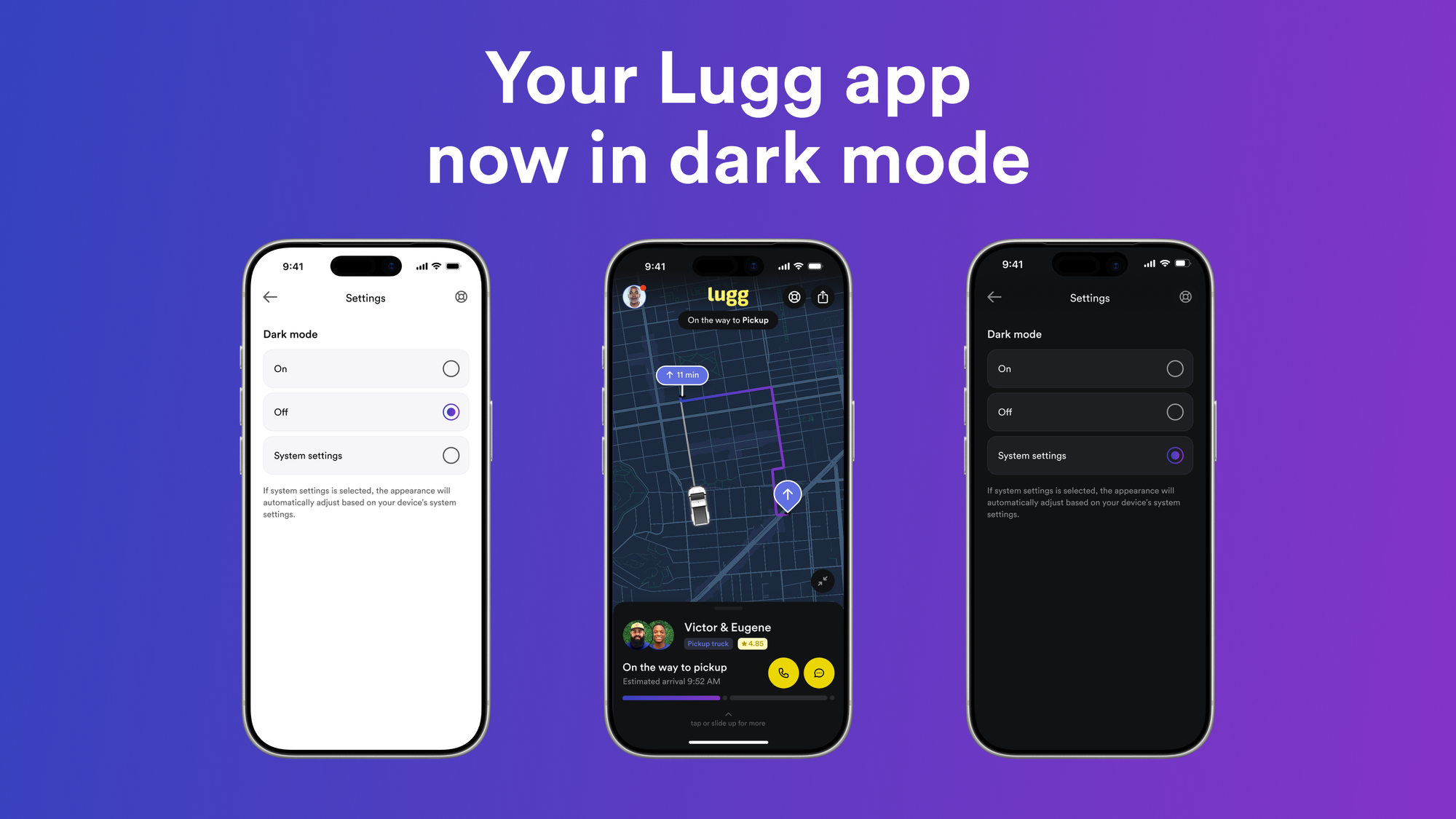
It's the first option at the top of the Settings screen.
3: Pick your look
Choose On for dark all the time, Off for the classic light look, or System settings to let your phone decide — light during the day, dark at night, automatically.
That's it. The change is instant, and it sticks until you change it again. Don't see the option yet? Update to the latest version of the Lugg app, or refresh app.lugg.com on the web.
Light, dark, or let your phone decide
The real point here is control, you decide how dark mode works. Keep Lugg dark around the clock, stay on the classic light look, or let your phone flip it for you on its own schedule. No single look gets forced on you.
That control matters more than it sounds. When X removed its in-app dark mode toggle in March 2026 — forcing everyone onto their device's setting — users pushed back. Not because dark mode disappeared, but because the choice did. You're the one who knows whether you're booking a move at noon or midnight, so you should be the one who picks.
So is dark mode actually better for you?
It depends on you — your eyes, your screen, and the time of day. Here's the honest breakdown, not the hype, so you can pick what fits.
For late-night use, dark mode is genuinely easier on the eyes in a dim room — less bright light blasting at you when you're checking your move at midnight. That's the number-one reason people ask for it, and it's a fair one. A Purdue University study found dark mode saves about 3–9% of battery at typical indoor brightness on OLED and AMOLED screens — and close to nothing on older LCD phones, where the screen lights every pixel either way. Helpful at 2% battery on moving day.
Nielsen Norman Group research notes that light mode is generally easier to read for people with normal vision — and the advantage grows as the text gets smaller. So dark mode isn't a clear upgrade for everyone. It's better for some people, in some moments — which is exactly why it stays your call, not ours.
One nice touch, whichever you choose: when dark mode is on, the live-tracking map goes dark too. Watching your Lugg movers head to pickup at night now looks the way a map app should after dark.
Set it once, forget it
Dark mode is the kind of small thing that makes an app feel like it was built for actual humans who use their phones at night. Head to Settings, pick the look you want, and get back to the part that matters — booking same-day movers and a truck in a few taps, with upfront pricing, real-time tracking, and no hourly minimums. Now in whatever shade you like.