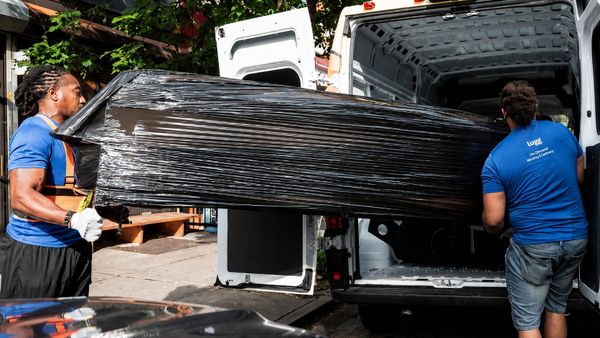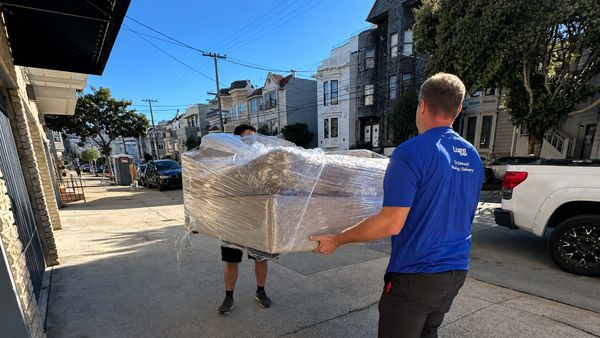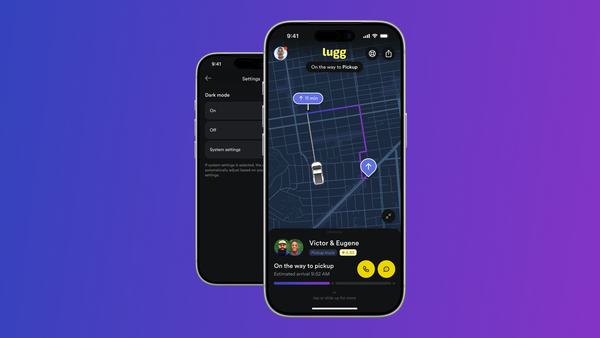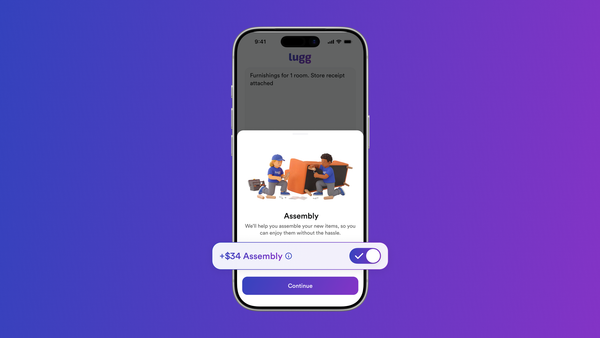

Need the muscle, not the truck? Movers only is now live everywhere you can book a Lugg. It’s built for jobs that start and finish at one address: loading a PODS in the driveway, carrying a sofa upstairs or moving into another unit in the same building. Enter the address where you need the movers, choose your crew size (1 or 2 Luggers) and book for whatever time works best for you. No second stop to plan and no vehicle to choose.
For years, we’ve heard the same request: “I only need the movers.” Until now, the answer was a workaround: enter the same place twice and choose a vehicle the job never used. Now that request has its own button. You asked. Now you can!
What's new
Movers only removes the workaround. Enter the address where you need the movers, tap Movers only, choose your crew and pick a time. However you normally book a Lugg, you can book Movers only.
What you can book Movers only for
Movers only fits the jobs that need lifting, carrying or loading without a trip across town. Basically, anything that stays at the same address.
- Containers and rental trucks. Loading or unloading a PODS, a U-Box or a truck you rented yourself. Our guides to PODS moves and U-Haul moves cover what to have ready before your movers arrive.
- Up or down the stairs. A dresser going up to the third floor, or the old fridge heading down to the garage.
- Moving within your building. Your new apartment is two floors down, or across the hall.
- Lobby to living room. A delivery left at the curb or the front door that needs to get to the room it belongs in.
- Rearranging. Moving furniture around before a sale, a showing or a new roommate, or lifting the couch so a new rug can go down.
- Before new floors. Clearing a room before the floors get redone, then putting everything back.
- Hosting. Setting out tables and chairs for a party or an event.
- Bed frames. Putting a bed frame together before guests arrive.
- Garage, basement and spare room. Clearing a space or swapping what lives where.
How do I book movers without a truck?
Lugg is an on-demand moving and delivery service that handles one-address jobs through Movers only. Here's how to book it:
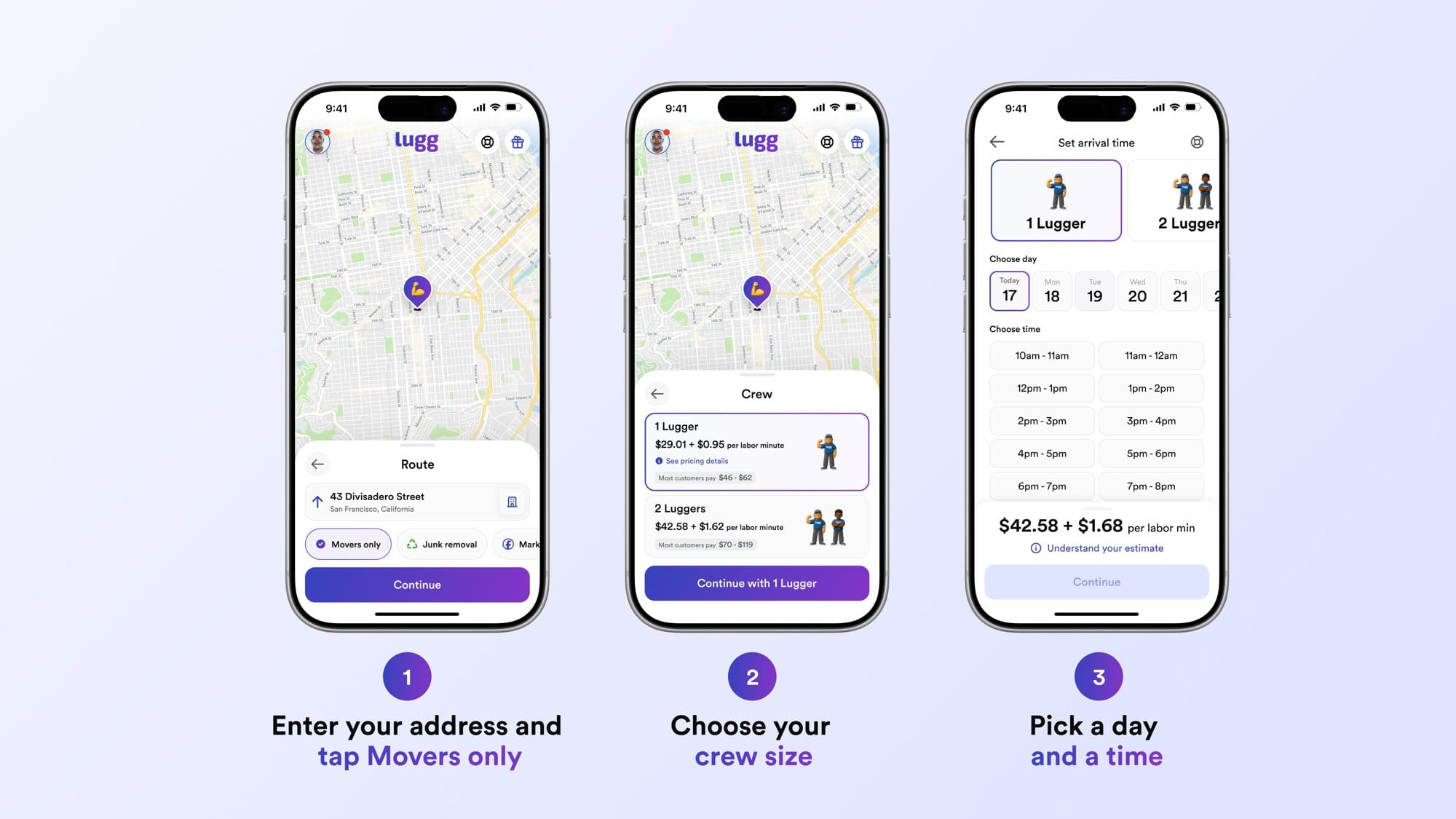
1: Enter your address
Open the Lugg app, visit app.lugg.com or use your usual Lugg booking experience. Enter the address where you need the movers.
2: Tap Movers only
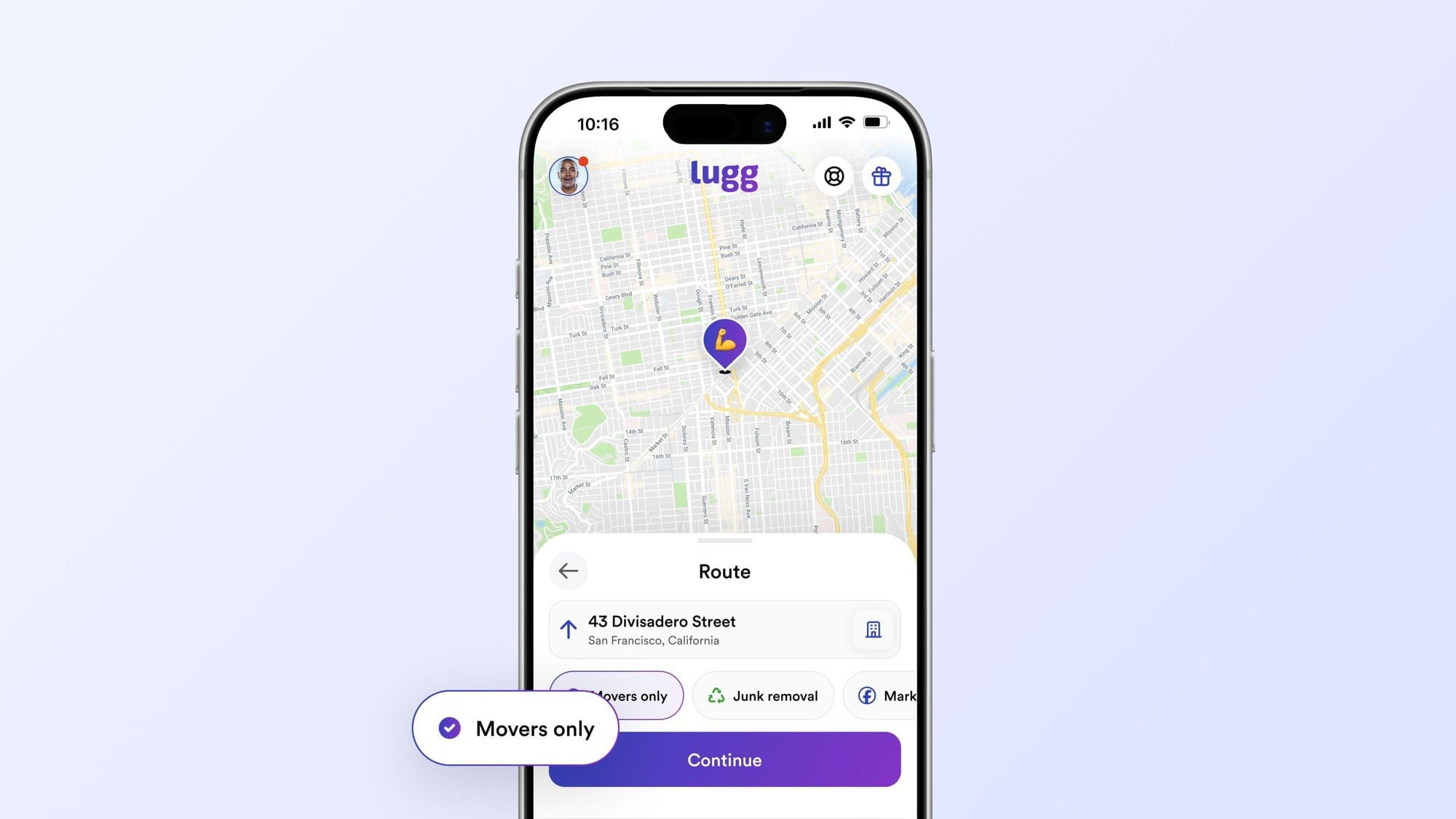
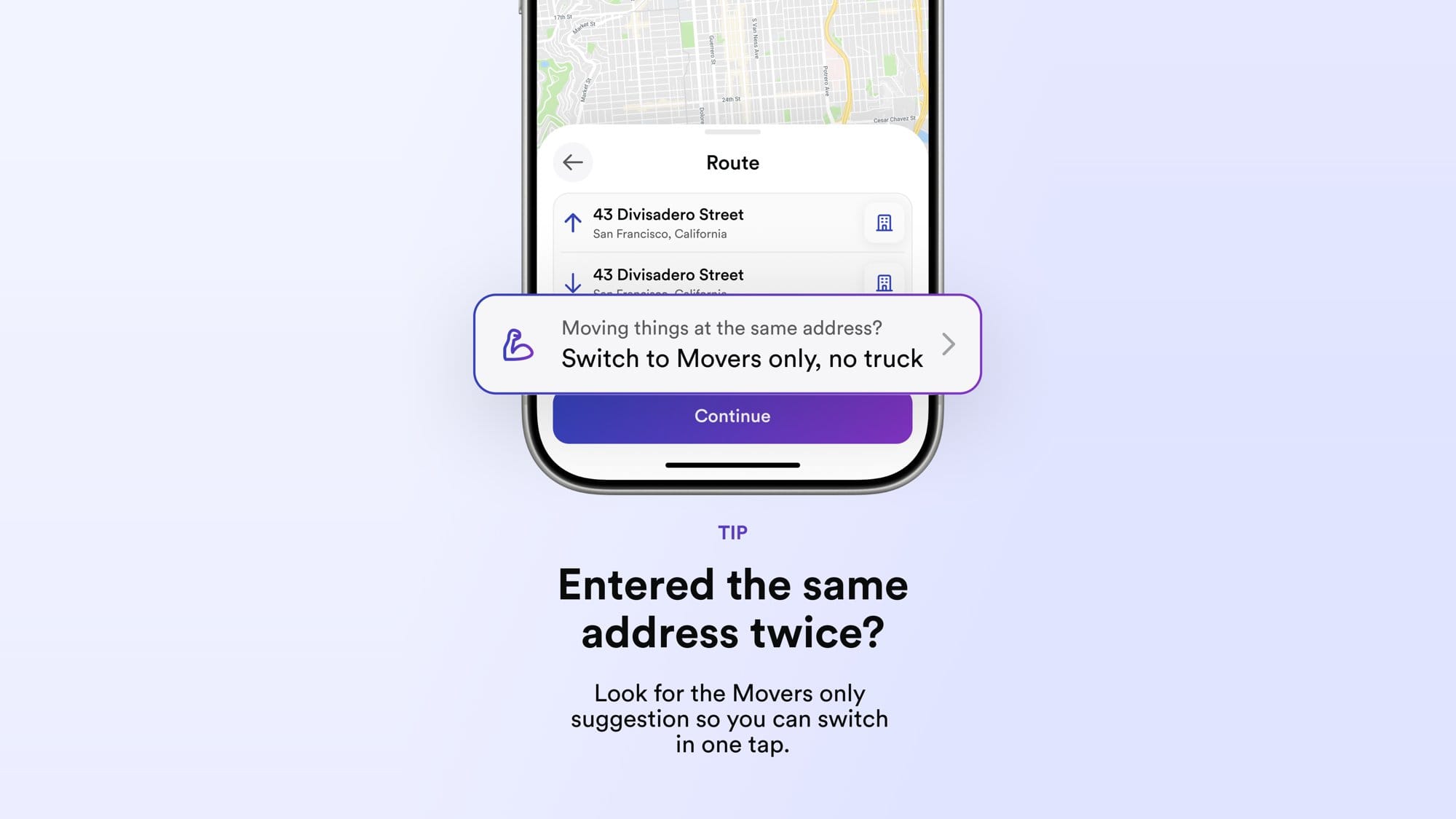
On the Route screen, tap Movers only under your address. If you already entered the same address for both stops, the app will offer to switch the booking over.
3: Pick your crew
Choose your crew size on the Crew screen. You can choose from 1 or 2 Luggers and review pricing before you continue. If you need more than 2 Luggers, book a second Movers only Lugg for the same day and time.
4: Choose a time and book
Book on demand for movers arriving within the hour, or choose a one-hour window up to 60 days ahead. You’ll see an upfront estimate before you confirm. Prices vary by city.
How Movers only is priced
Movers only includes a base fare, labor billed by the minute and a small variable booking fee. Because the job stays at one address, there’s no mileage between stops. You’ll see an upfront estimate before you book, and there’s no hourly minimum. For more detail, see how Lugg calculates labor time.
What your Lugg movers bring
Standard moving equipment is included: dollies, furniture blankets, stretch wrap, forearm lifting straps, tie-down straps and basic tools for light disassembly. Clear the path and decide where each piece is going before your movers arrive so they can get straight to work.
When to book a standard Lugg instead
If anything needs to travel to a different address, book a standard Lugg and choose the vehicle that fits the load. That covers a couch going to a new apartment, a dresser headed to storage or a Facebook Marketplace find coming home. Movers only is for jobs that start and finish in the same place.
If the job changes after you book, edit the booking, add the new stop and choose a vehicle. You don’t have to cancel and start over.
Find Movers only wherever you book a Lugg
The next time the PODS is in the driveway, the couch needs to go upstairs or the living room needs a reset, the job finally has its own button. Open wherever you book a Lugg, enter the address and tap Movers only.